
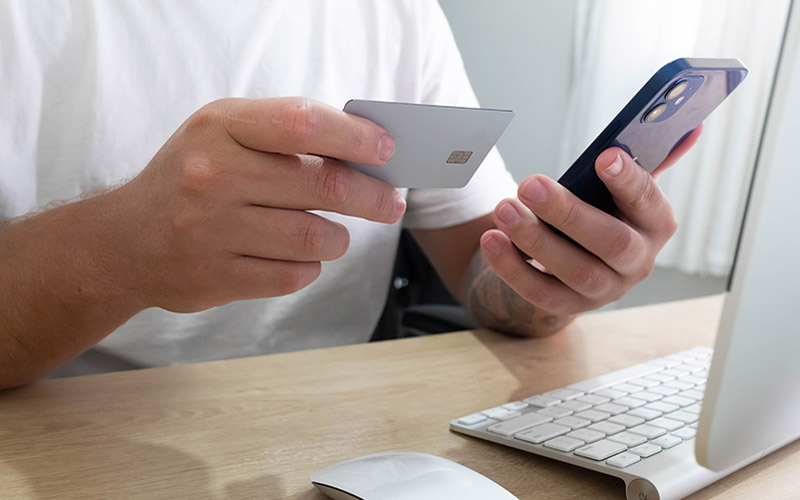

If you type your credit card details on a site that is not legitimate, you could be put at risk of credit card fraud, fake stores, or stolen payment information. Luckily, there are some easy steps to help you determine whether a site is a legitimate site before you enter any payment details.
Check for HTTPS Before Anything Else
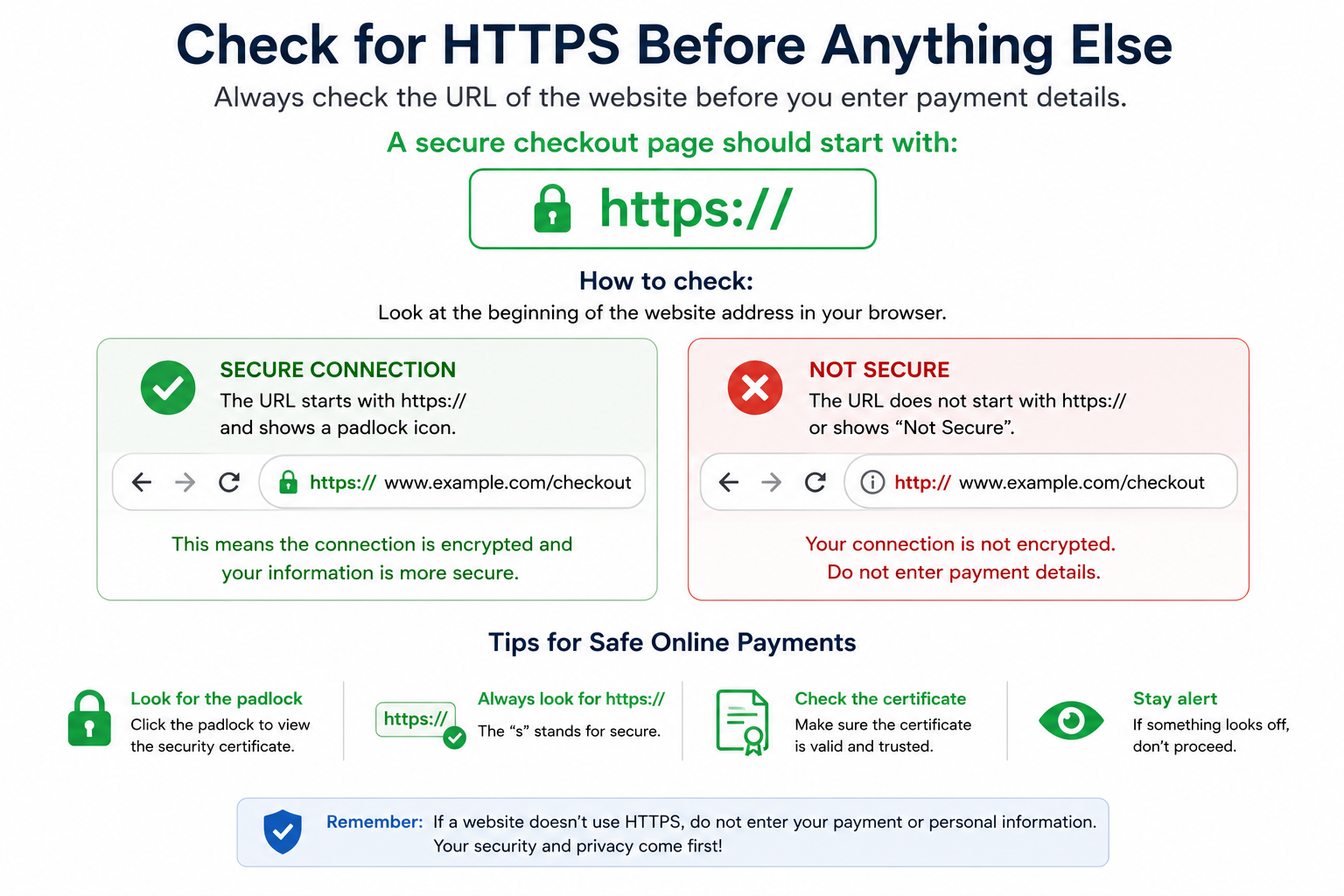
Always check the URL of the website before you enter payment details.
A secure checkout page should start with:
https://
The “s” represents secure and indicates that your web browser is connected to the website via an encrypted link.
You may also see a padlock symbol beside the website address.
But don’t depend entirely on the padlock. Scam websites can also use HTTPS.
Consider it as a preliminary check, not a final check.
Beware if the address starts with http://, or your browser displays a warning message like “Not Secure”.
Double-Check the Website Address Carefully
The easiest way to identify a suspicious website is to inspect the URL carefully.
Scam sites usually mimic websites of established brands with a slight variation in the web address.
Look for:
- Misspelled brand names
- Extra letters or numbers.
- Long strings of words or letters.
- Unusual formatting.
For instance, a fake retailer might use a real-looking name that is an alteration of a popular brand name.
Always verify that:
ADVERTISEMENT
- The spelling is the same as the official brand.
- The URL looks professional and complete.
- You were not sent to the site by a suspicious link.
If you’ve been targeted by a text message, social media ad, or a random email, type the company’s website into your browser, and don’t click it.
Look for Signs the Website Is Legitimate
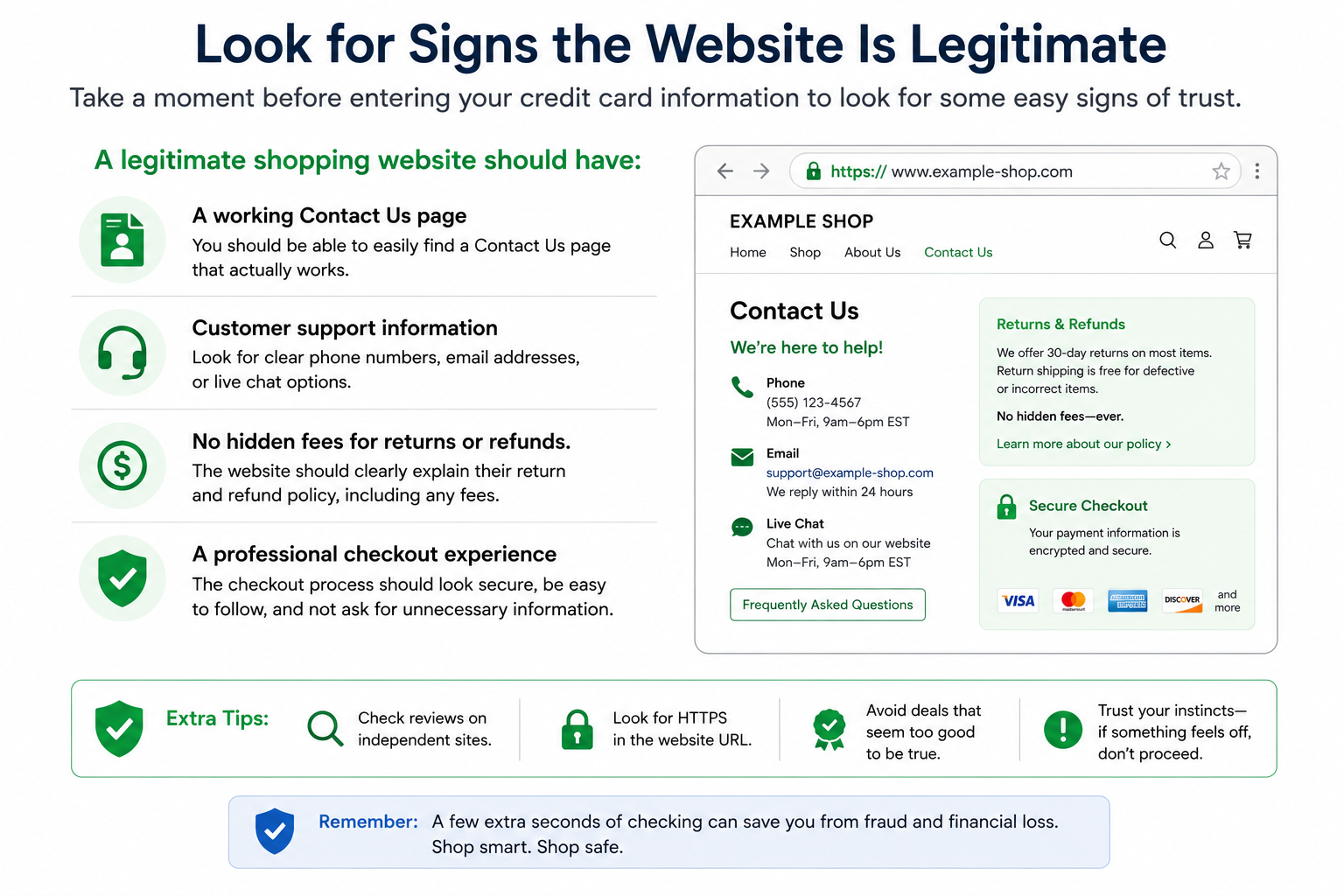
Take a moment before entering your credit card information to look for some easy signs of trust.
A legitimate shopping website should have:
- A working Contact Us page
- Customer support information
- No hidden fees for returns or refunds.
- A professional checkout experience
If the site has broken pages, spelling errors, fake photos of products, or rushed/unfinished checkout pages, be careful.
Avoid Entering Card Information on Pop-Up Pages
If a payment window appears out of nowhere or you have to click on the same link again and again, stop and check the site.
A secure checkout should be on the company’s domain or a trusted payment processor.
Sometimes, a website may redirect to unexpected pages, which can be a sign that something is wrong with the site or that the link is leading you somewhere unexpected.
Use Safer Payment Methods When Available
The FTC suggests that people use payment methods with more fraud protection when shopping online.
If available, consider:
- Credit cards generally offer stronger fraud protections than debit cards.
- Trusted payment services offered through the checkout process may provide additional security features.
This isn’t about giving suggestions; it just gives an additional layer of protection, in case anything goes wrong with a purchase.
Pause If Something Feels Off
When a website is pressuring you to buy immediately or claims that an offer will disappear soon, take a moment to check it out.
Look for the retailer on your own, then verify the website’s URL and ensure that you are on the right page before you enter the card information.
Just a minute is all that is required to check if a website is safe, and you will avoid being scammed, cheated, or ripped off by fake stores or stolen payment information. When shopping online, it’s easy to make the experience safer by taking a quick look at the URL, security elements, and checkout process.